Make Bass Backing Tracks
Turn any song into a bass backing track. Drop the bass and lock into the original drums and instruments.
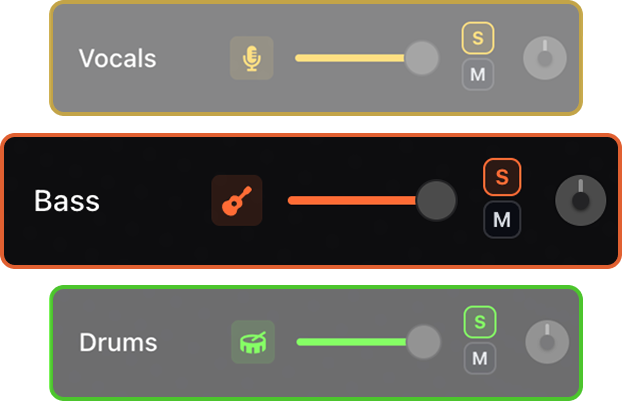

Remove the bass, keep the drums and instruments, and lock into the groove with bass backing tracks made from the original song.


Use AI stem separation to remove the bass from any song and keep the drums and instruments. Build bass backing tracks, lock into the original recording, slow songs down, change tempo and key, and loop tricky lines until the timing and articulation sit right.
Turn any song into a bass backing track. Drop the bass and lock into the original drums and instruments.
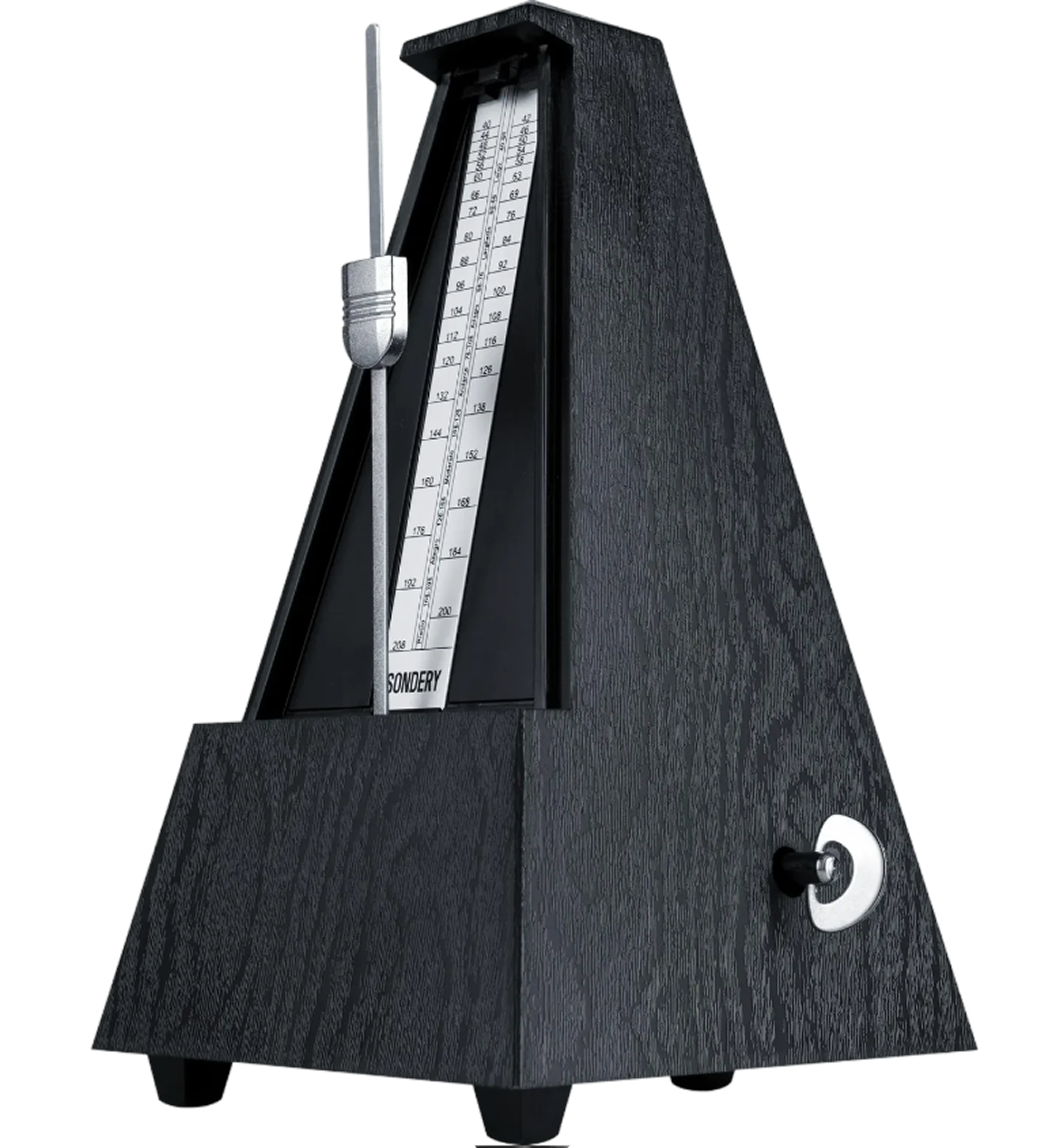
An adaptive metronome follows the song automatically. Practice against the track instead of guessing where the beat should land.
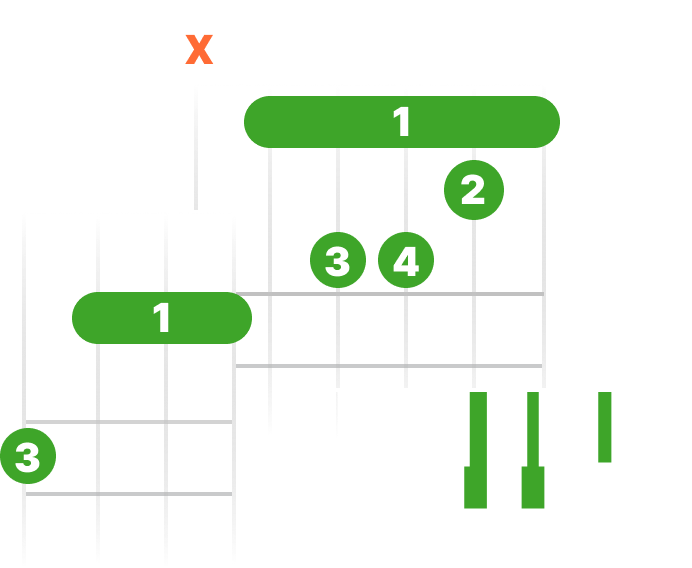
See live chord diagrams for guitar, ukulele, and piano. Follow the changes as the song plays and move through new sections with less friction.
Slow down or speed up any song while keeping it sounding natural. Work through difficult passages slowly, then bring the track back up to performance tempo.
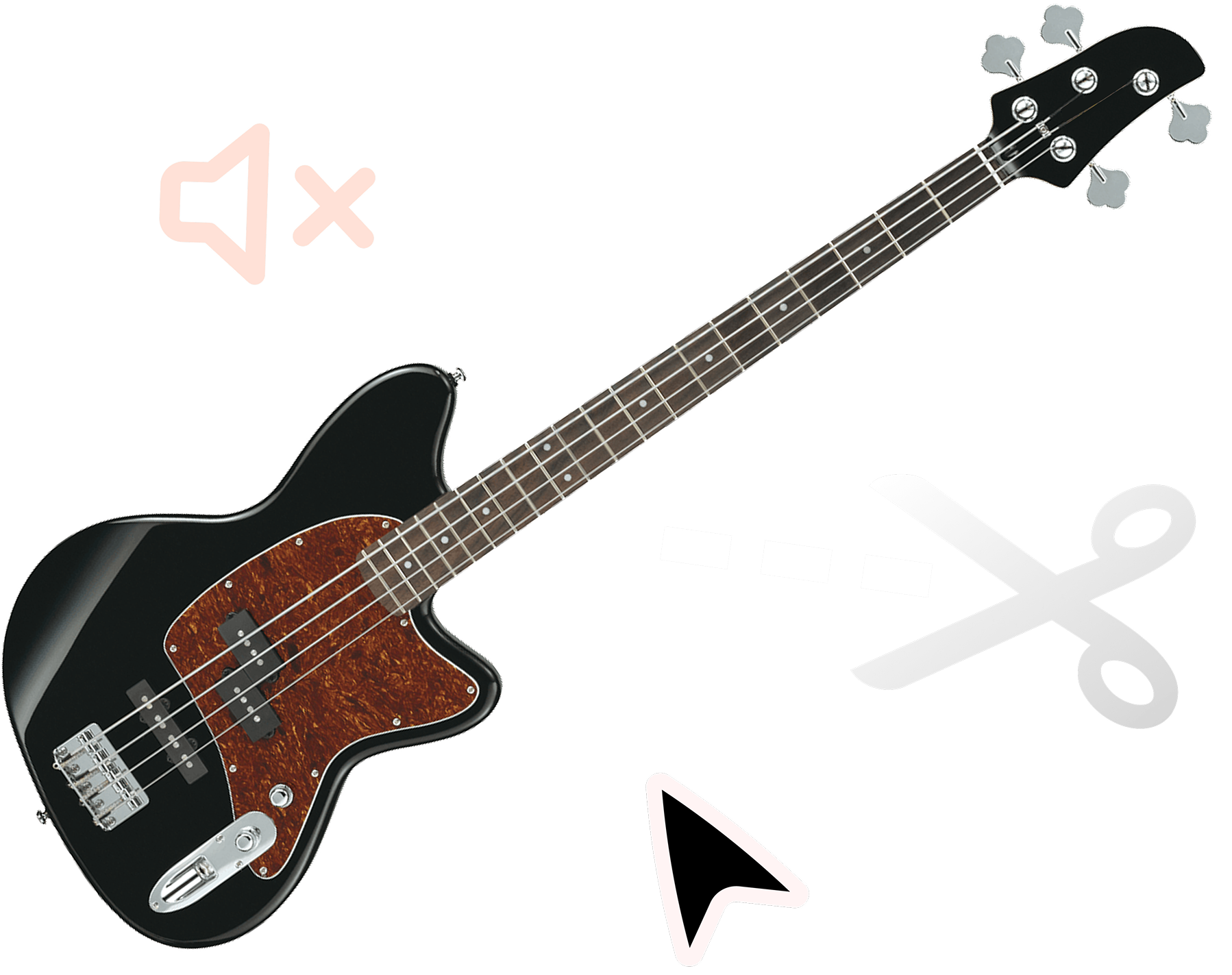
Use the bass stem to learn the line, then remove it and practice with drums, vocals, and instruments.
Shift the pitch to match your instrument, tuning, or vocal range. Keep the same song structure while making the track fit your setup.

Mute the bass and keep the drum stem present so you can practice pocket, subdivisions, and movement.
Solo the bass stem to hear slides, passing notes, and articulation, then remove it for play-along practice.
Create bass-free versions for worship sets, cover bands, auditions, or last-minute song preparation.
Upload the track, split it into stems, then mute the bass stem to create a bass backing track.
Solo the bass stem to isolate the bass from the song and study the line, then mute it when you want to play along.
Yes. The separated stems stay aligned so the track remains useful for rehearsal and performance practice.
Yes. SoundBoost runs in your browser on desktop and mobile. Upload any song, remove the bass, and practice over the original drums and instruments for free.
Yes. Drop the tempo to work a walking line or fill out slowly, then bring the bass backing track back to full speed.
Yes. Pitch shifting moves the track to your tuning or range without rebuilding the session.
Yes. Repeat a groove or transition on a loop to lock in with the original drums.
Yes. Isolate the bass stem to study slides, passing notes, and articulation before you mute it and play along.