Build Drumless Tracks
Turn any song into a drumless backing track. Mute the drums and keep the original band so you can lay down your own groove.
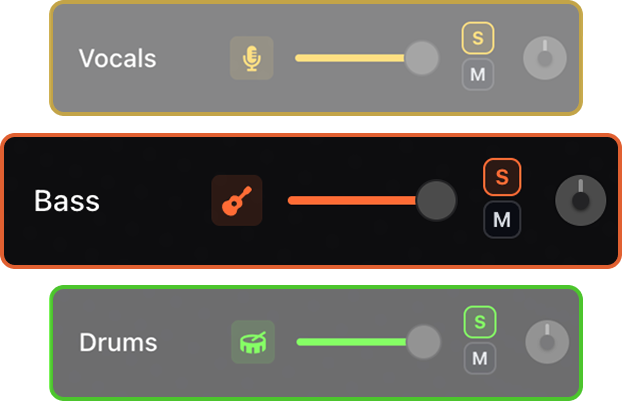

Remove the drums, keep the music, and play your own groove over drumless backing tracks made from songs you actually want to practice.


Use AI stem separation to remove the drums from any song and keep the rest of the band playing. Build drumless backing tracks, lay your own groove over the original recording, slow songs down, change tempo and key, and loop tricky fills and transitions until they feel natural.
Turn any song into a drumless backing track. Mute the drums and keep the original band so you can lay down your own groove.
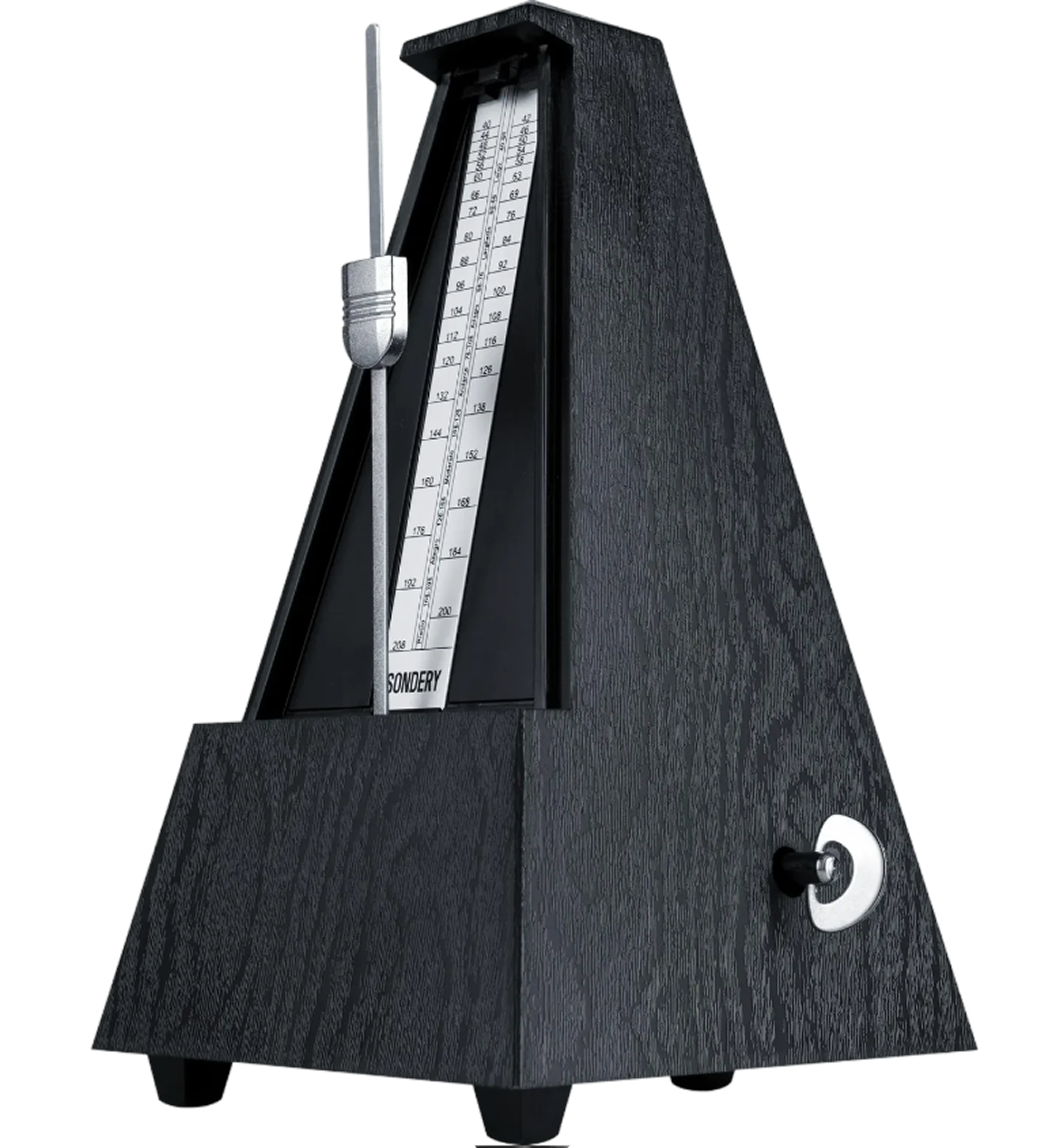
An adaptive metronome follows the song automatically. Practice against the track instead of guessing where the beat should land.
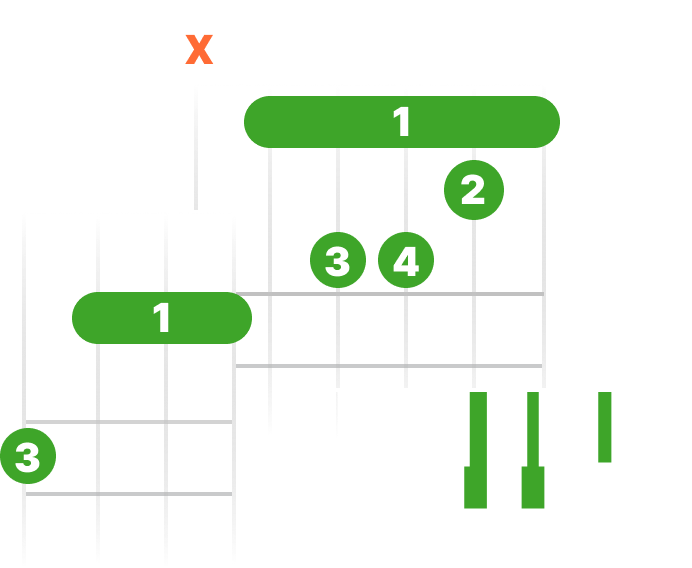
See live chord diagrams for guitar, ukulele, and piano. Follow the changes as the song plays and move through new sections with less friction.
Slow down or speed up any song while keeping it sounding natural. Work through difficult passages slowly, then bring the track back up to performance tempo.
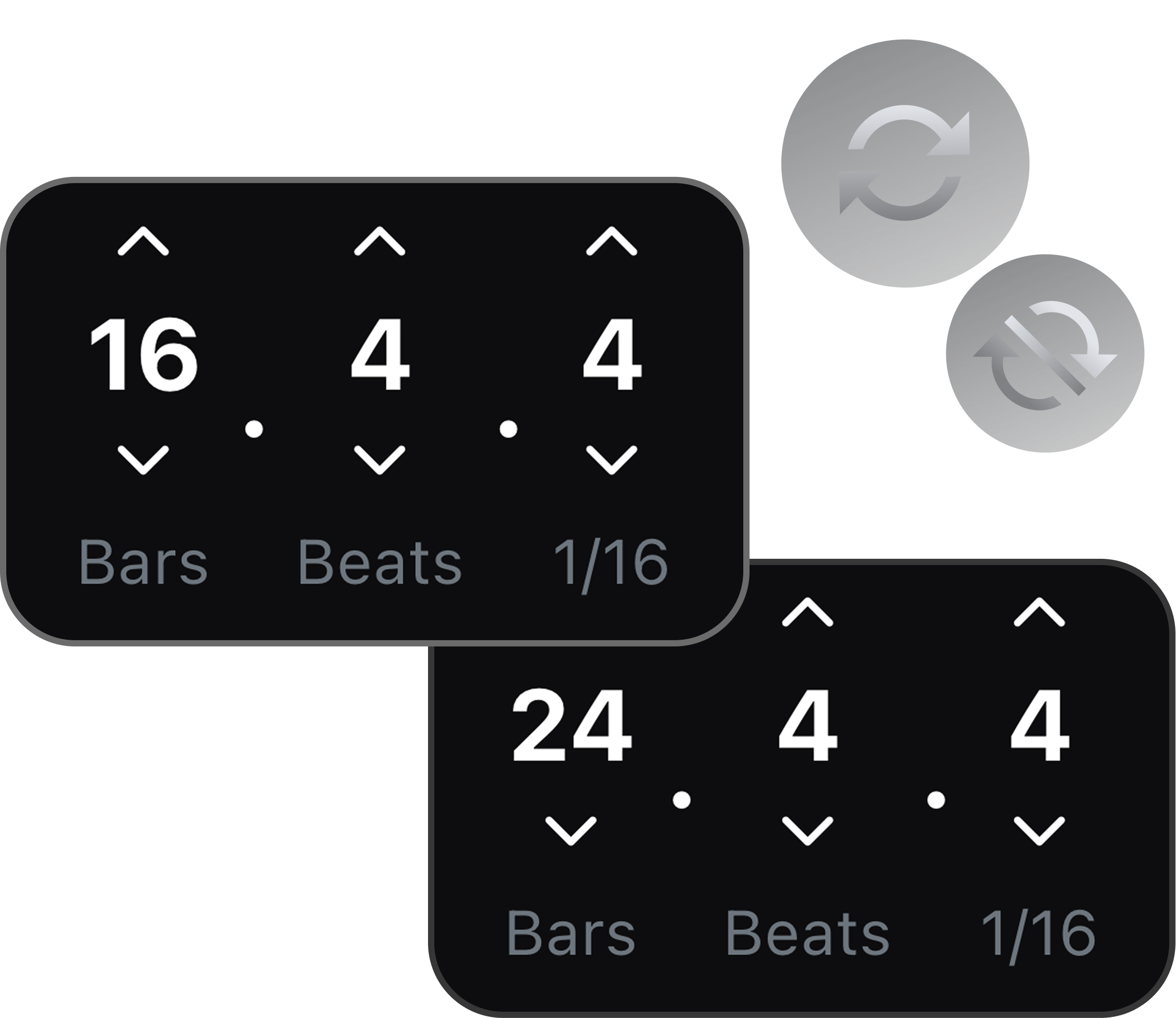
Loop any passage and repeat it until it becomes second nature.
Shift the pitch to match your instrument, tuning, or vocal range. Keep the same song structure while making the track fit your setup.
Remove the drum stem and practice against the original bass, vocals, and instruments so the pocket stays realistic.
Solo the drums first, loop the exact transition, then mute the drums when you are ready to perform it.
Turn songs into drumless tracks for cover videos, live preparation, worship sets, or lesson material.
Upload a song to SoundBoost, split it into stems, then mute the drums to remove drums from the song. The remaining stems become your drumless backing track, with no drums but the full band still playing.
Yes. You can use the drum stem for focused study, then mute it when you are ready to play the part yourself.
Yes. Drummers can practice the original arrangement, prepare cover videos, or rehearse live parts with the rest of the song still intact.
Yes. Muting the drum stem leaves a songs-without-drums backing track with the original bass, vocals, and instruments still playing.
Instead of relying on a fixed library, you can create a drumless version of almost any song. Upload the track, mute the drums, and keep the original band, so you are not limited to a preset catalog.
Yes. Drop the tempo to work a fill or transition out slowly, then bring the drumless track back up to performance speed.
Yes. Repeat any passage, like an intro fill or a chorus groove, until your timing sits in the pocket.
Yes. The adaptive click tracks the song tempo, so you can practice the drumless track to the real feel even through tempo changes.