Pull Acapellas & Instrumentals
Turn any song into an acapella or instrumental. Isolate the vocal or mute it to build edits and mashups.

Pull clean acapellas and instrumentals from tracks, loop sections, change key, and prep custom edits for your sets or remix ideas.


Use AI stem separation to pull clean acapellas and instrumentals from any song. Isolate the vocal, mute it for instrumental edits, change tempo and key to match another track, and loop sections to build transitions, mashups, and remix ideas.
Turn any song into an acapella or instrumental. Isolate the vocal or mute it to build edits and mashups.
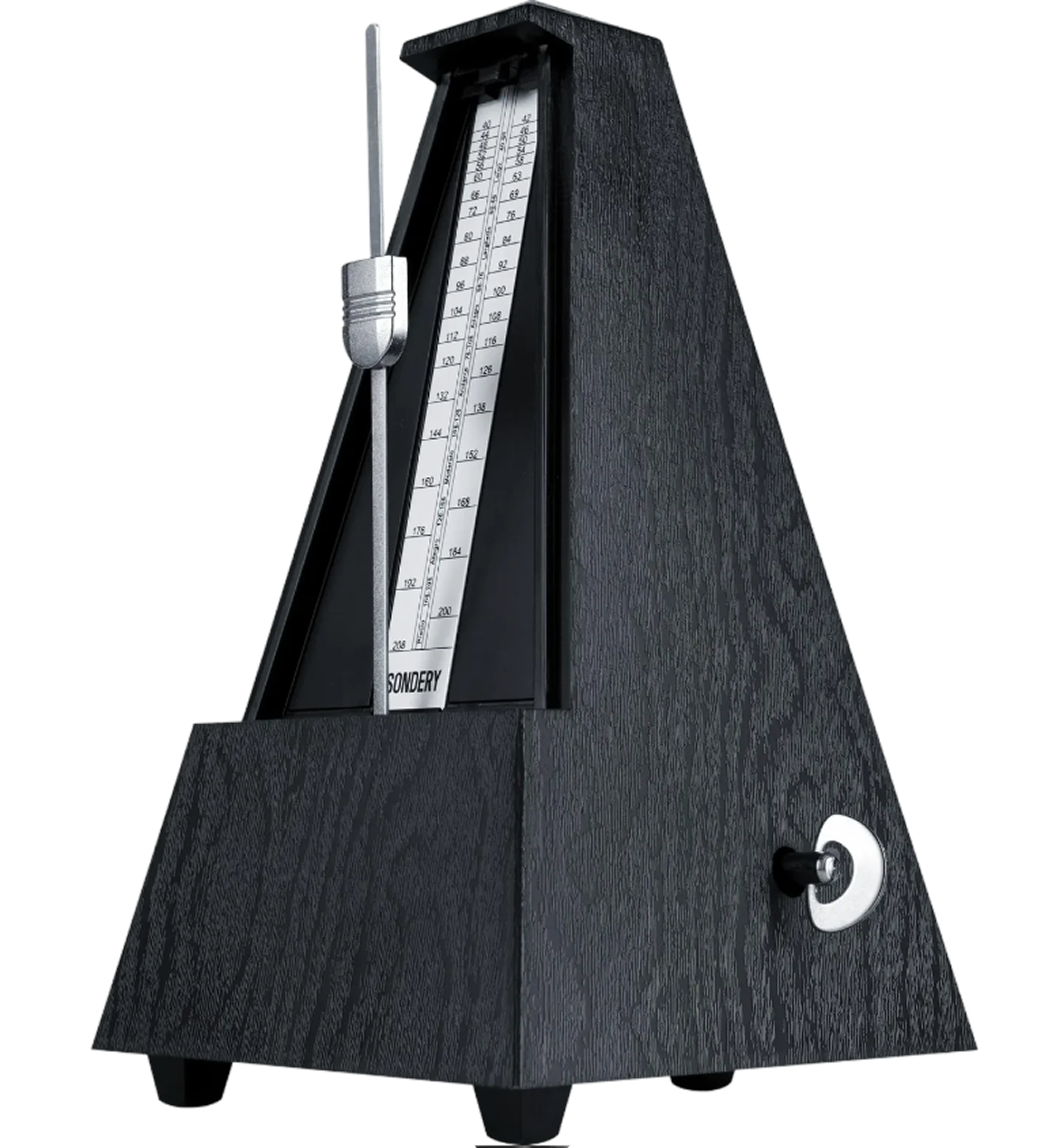
An adaptive metronome follows the song automatically. Practice against the track instead of guessing where the beat should land.
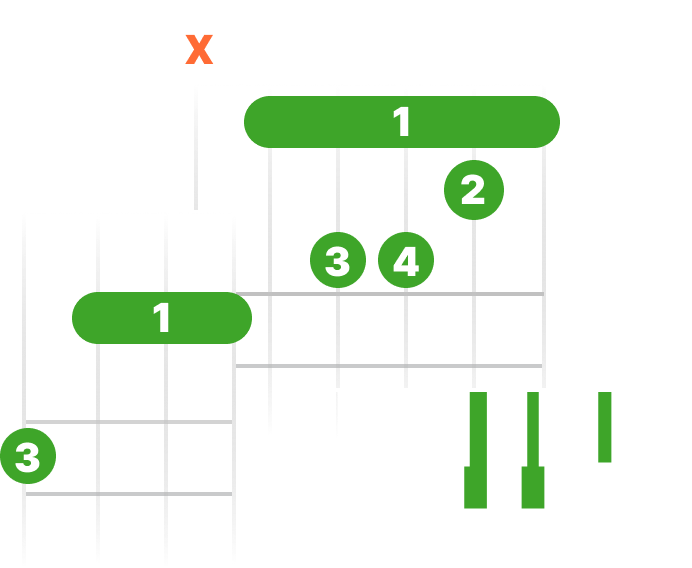
See live chord diagrams for guitar, ukulele, and piano. Follow the changes as the song plays and move through new sections with less friction.
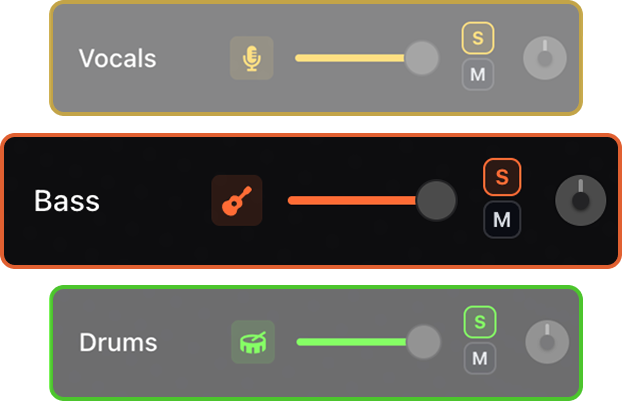
Separate vocals, drums, bass, and instruments so you can pull acapellas, build instrumental edits, or make quick set tools.
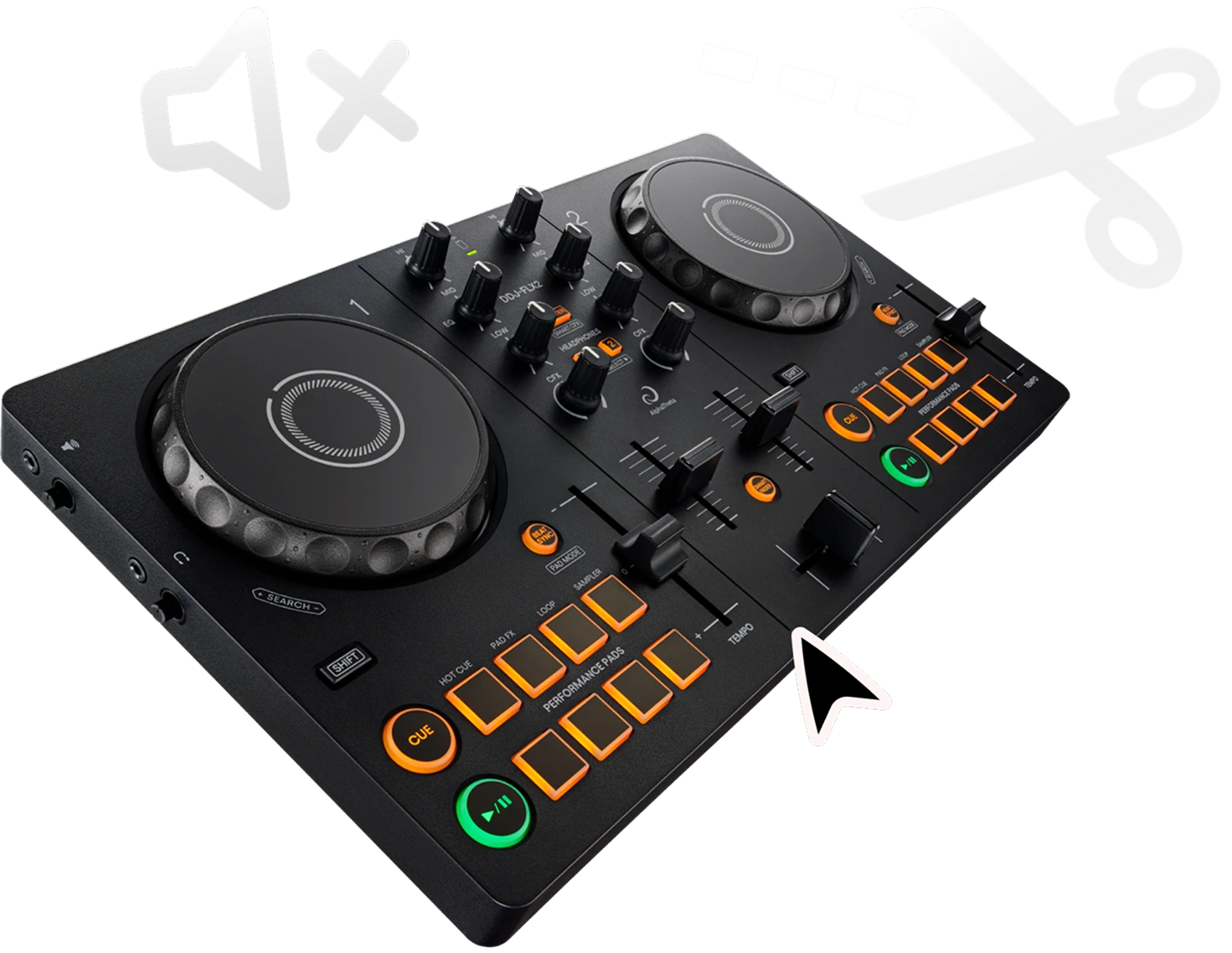
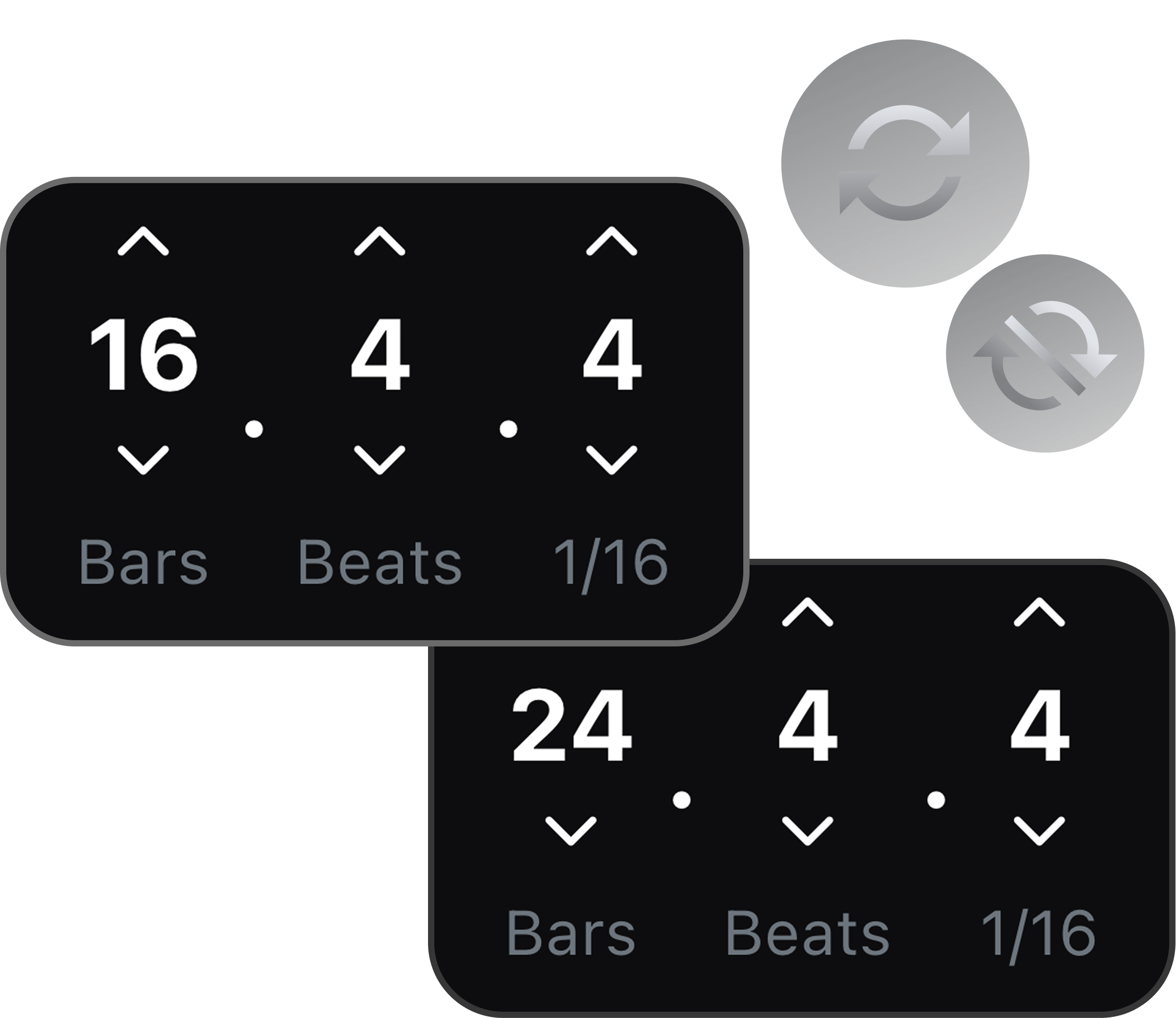
Repeat useful moments, sketch transition ideas, and export the pieces you need for a set or remix workflow.
Shift the pitch to match your instrument, tuning, or vocal range. Keep the same song structure while making the track fit your setup.

Isolate vocals from a track and test how the acapella works over another instrumental or transition.
Mute vocals, keep the groove, and loop useful sections for intros, breakdowns, or live transitions.
Split stems, change key, and export the parts you need before moving into your DJ or production workflow.
Upload a track, split it into stems, then isolate the vocal stem to pull a clean acapella.
Yes. You can mute vocals and keep the music stem layers to create instrumental sections for transitions, mashups, or edits.
Yes. Pitch shifting can help you test whether an acapella or instrumental part fits another track idea.
Yes. Isolate the vocal and export it as a clean acapella to drop into your set or remix session.
Yes. Mute the vocal and keep the music layers to build an instrumental for transitions, mashups, or edits.
Yes. Pitch shift the acapella or instrumental so it fits the key of the track you are mixing into.
Yes. Repeat an intro, breakdown, or vocal phrase on a loop to build clean transitions and edits.