Create Custom Backing Tracks
Turn any song into a practice track. Mute the part you play and keep the original band around you.
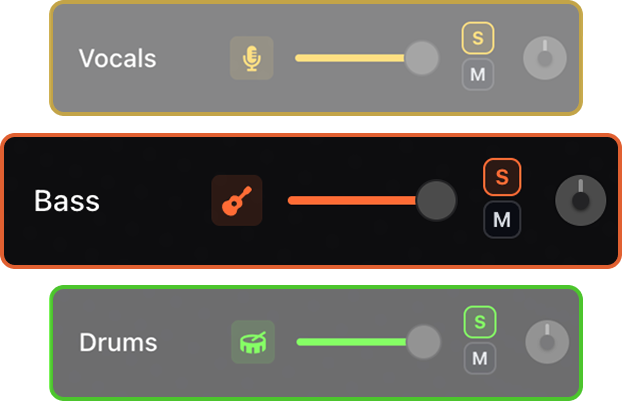

Turn any song into a custom backing track. Remove any instrument, keep the rest, and play along with the original band still behind you.


Use AI stem separation to isolate vocals, guitar, bass, drums, piano, and other instruments from any song. Create custom backing tracks, practice with the original recording, slow songs down, change tempo and key, loop difficult passages, and view chord diagrams for guitar, piano, and ukulele.
Turn any song into a practice track. Mute the part you play and keep the original band around you.
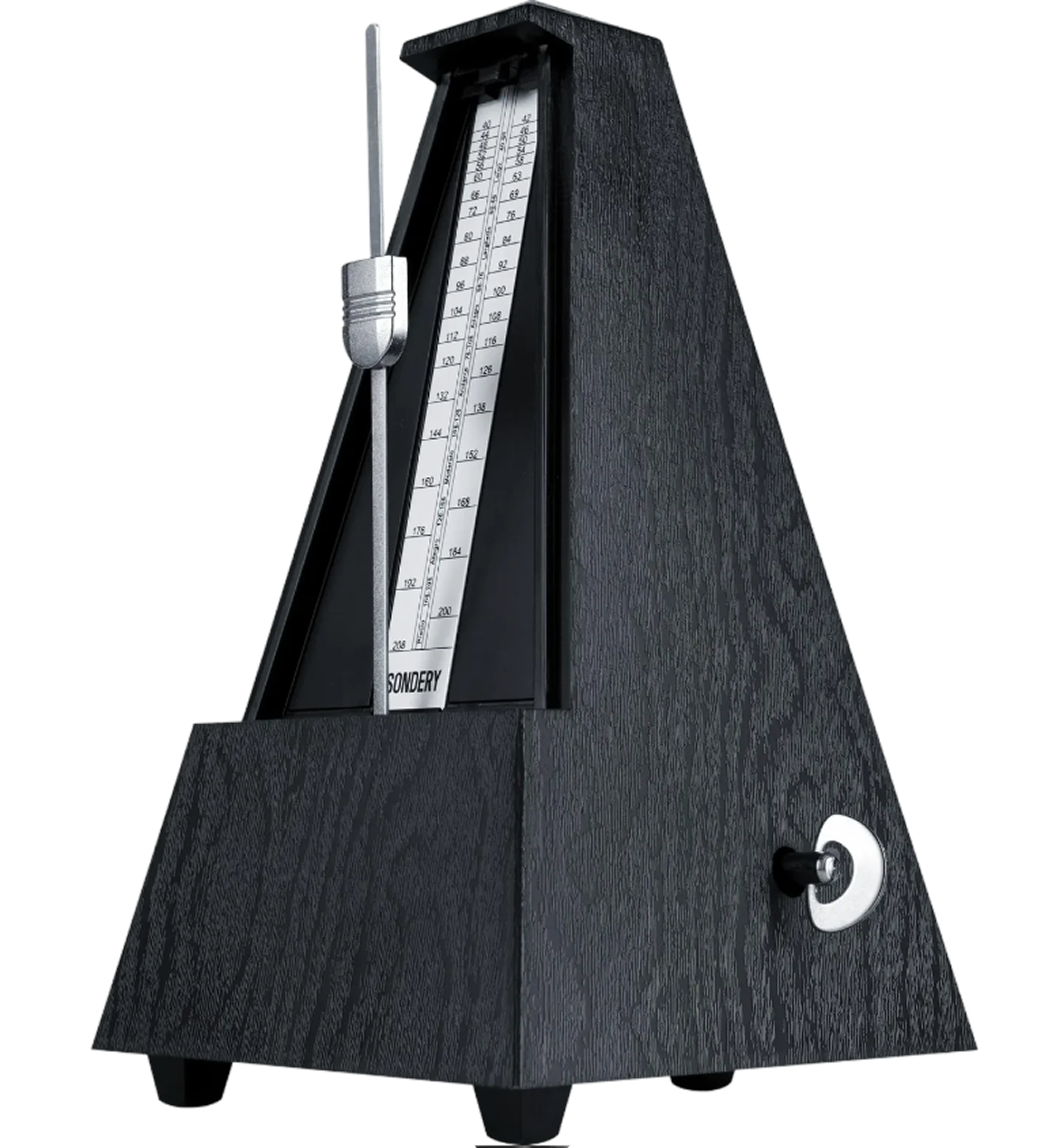
An adaptive metronome follows the song automatically. Practice against the track instead of guessing where the beat should land.
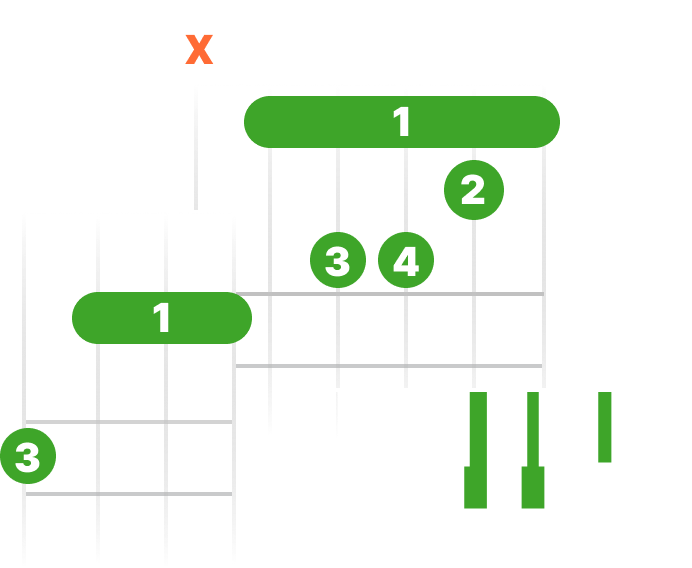
See live chord diagrams for guitar, ukulele, and piano. Follow the changes as the song plays and move through new sections with less friction.
Slow down or speed up any song while keeping it sounding natural. Work through difficult passages slowly, then bring the track back up to performance tempo.

Mute the part you want to play, keep the rest of the track, and rehearse with the original feel. Stay inside the real arrangement while you focus on your own performance.
Shift the pitch to match your instrument, tuning, or vocal range. Keep the same song structure while making the track fit your setup.
Mute the stem you want to play and keep the real drums, bass, vocals, and instruments around you.
Solo an instrument stem to hear entrances, stops, transitions, and accents before you take the part yourself.
Make a repeatable backing track for lessons, cover prep, or band rehearsal without hunting for a premade one.
Upload a song, separate it into stems, then mute the part you want to play yourself. You keep the rest of the mix as a backing track and can keep practicing in SoundBoost Studio.
SoundBoost can separate common stems such as vocals, drums, bass, and instruments. That makes it useful for guitar, drums, bass, vocals, keyboards, and full-band practice.
Instead of searching for a generic backing track, you can build one from the exact song you want to learn.
Yes. As an instrument remover, SoundBoost can mute or isolate vocals, drums, bass, guitar, and keys, so you can take out the part you want and keep the rest as a backing track.
Yes. Change the tempo for slower practice runs while the backing track stays usable, then bring it back up to speed once the part feels solid.
Yes. Pitch shifting lets you move the backing track to your tuning or range without rebuilding anything.
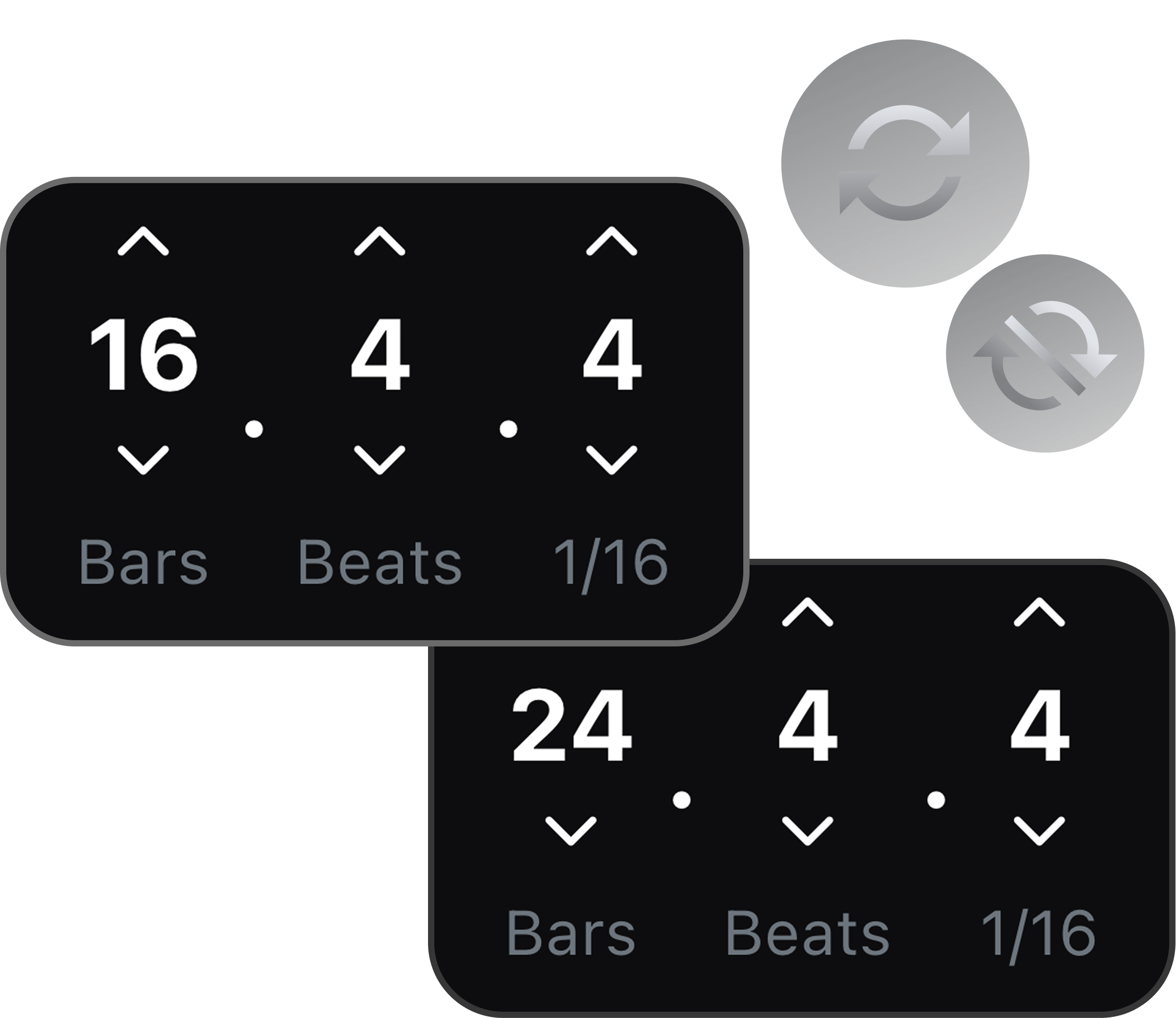
Yes. Repeat any passage, like a fill, a transition, or a chord change, instead of restarting the whole song every time.
Yes. They work for individual practice, lessons, cover prep, and full-band rehearsal using songs you already know.