Remove or Isolate Piano
Use the AI piano remover to pull piano and keys out of any song, or solo them to study the part before you play it.
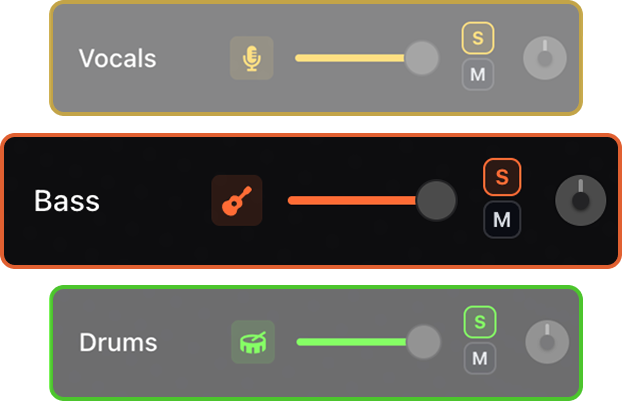

Isolate piano and keys for close study, or mute them to build keyboard backing tracks and play organ, synth, or piano over the original band.


Use AI stem separation to isolate or remove piano and keys from any song. Build piano and keyboard backing tracks, play your own voicings over the original recording, slow songs down, change tempo and key, loop hard sections, and follow live piano chord diagrams.
Use the AI piano remover to pull piano and keys out of any song, or solo them to study the part before you play it.
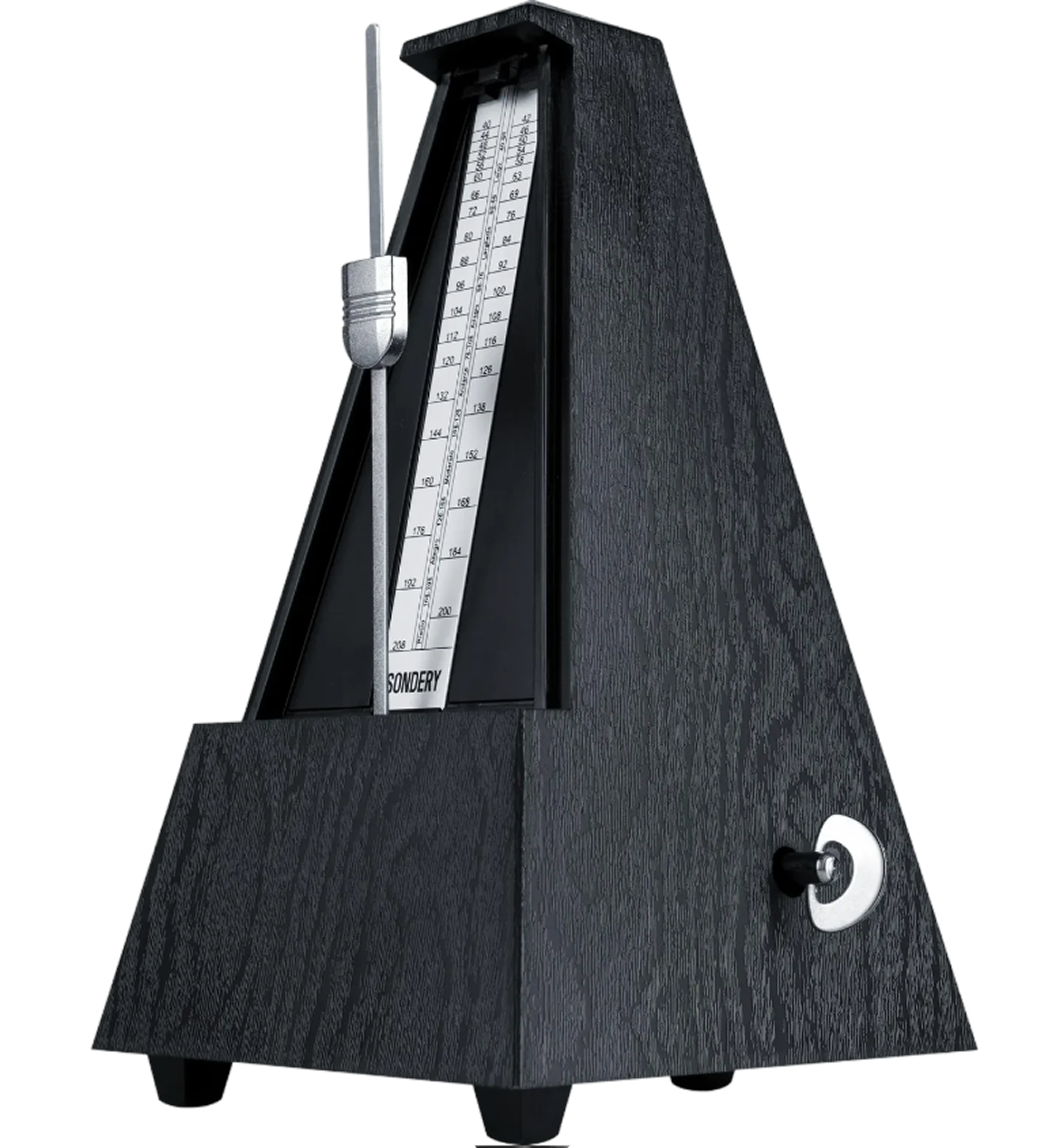
An adaptive metronome follows the song automatically. Practice against the track instead of guessing where the beat should land.
See live chord diagrams for guitar, ukulele, and piano. Follow the changes as the song plays and move through new sections with less friction.
Slow down or speed up any song while keeping it sounding natural. Work through difficult passages slowly, then bring the track back up to performance tempo.
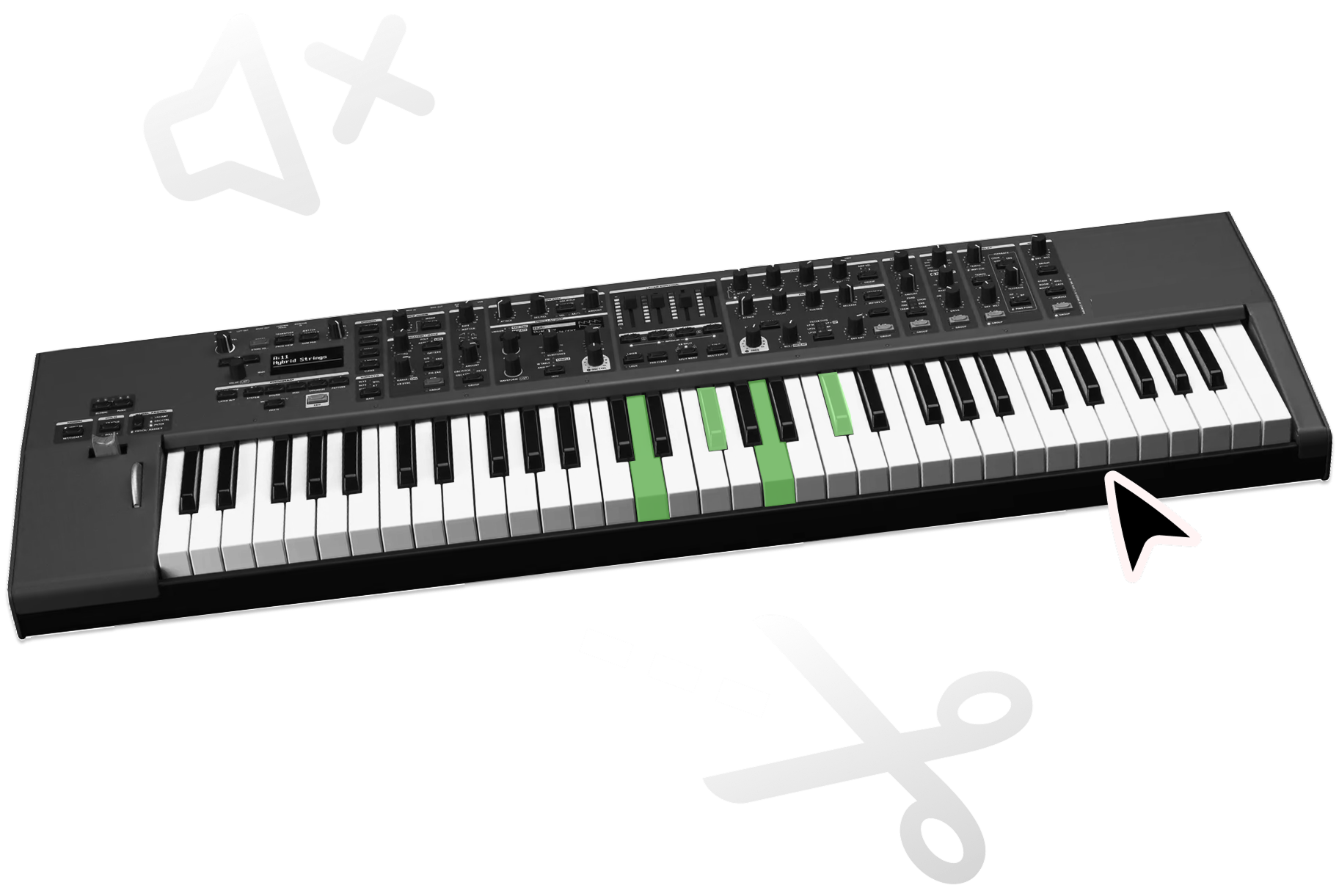
Use the instrument stem to study harmonic movement, then mute it when you are ready to play the part.
Shift the pitch to match your instrument, tuning, or vocal range. Keep the same song structure while making the track fit your setup.
Mute keys-heavy parts and play piano, organ, or synth while the original rhythm section stays in sync.
Use isolated instrument stems to study voicings, pads, synth hooks, and arrangement layers.
Make rehearsal tracks for worship keys, cover sets, and band practice without rebuilding the song from scratch.
Upload the song and use the AI piano remover to mute or isolate the piano and keys, while the rest of the band keeps playing.
Yes. Mute the keyboard-focused instrument stem and keep the rest of the song for play-along practice.
Yes. Isolating the instrument stem can make harmony, voicings, and arrangement details easier to study.
You can build your own from any song for free. Upload a track, isolate or mute the keys, and play over the original band instead of searching a fixed catalog.
Yes. Lower the tempo to work a run or voicing out slowly, then bring the keyboard backing track back up to speed.
Yes. Pitch shift the song to a friendlier key for your hands or your singer without rebuilding it.
Yes. Repeat a progression or transition on a loop until the voicing and timing feel comfortable.
Yes. Live piano chord diagrams follow the song so you can read the changes as you practice.