Make Vocal Backing Tracks
Turn any song into a vocal backing track. Remove the lead vocal and sing over the original instrumental.
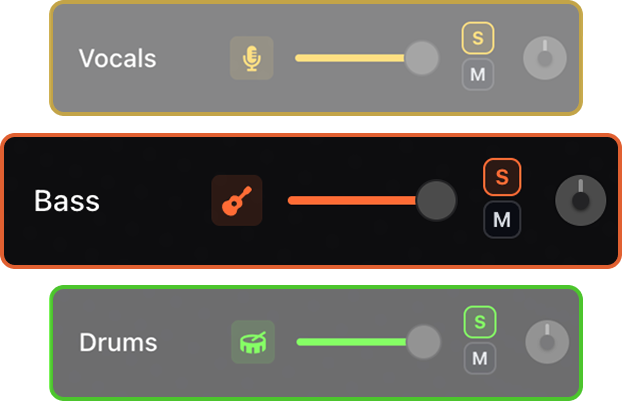

Remove the lead vocal, keep the instrumental, and rehearse covers and performances by singing over the instrumental of a song.


Use AI stem separation to remove the lead vocal from any song and keep the full instrumental. Build vocal backing tracks, sing over the original recording, slow songs down, change tempo and key, loop tough phrases, and study the original vocal before you perform it.
Turn any song into a vocal backing track. Remove the lead vocal and sing over the original instrumental.
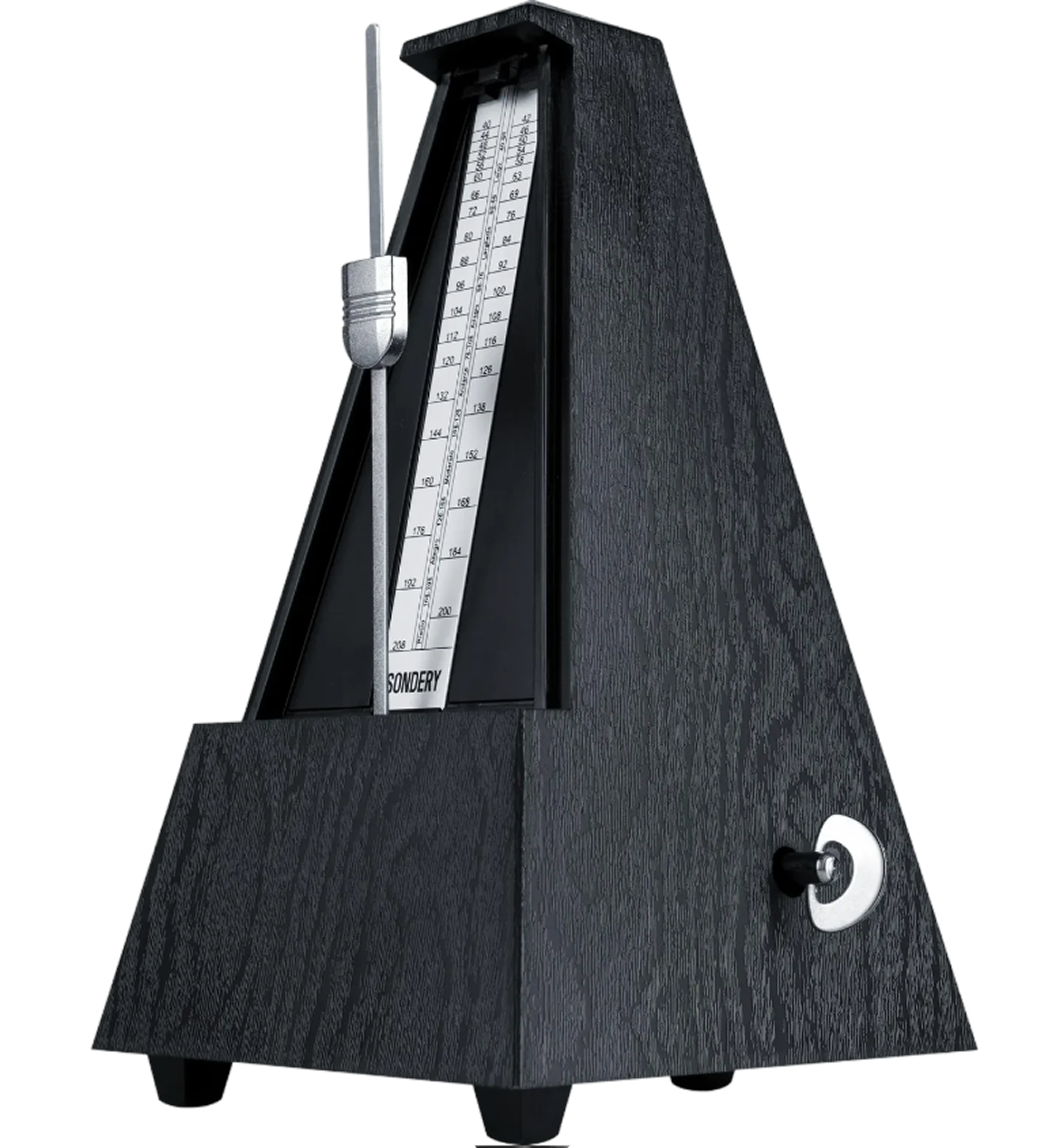
An adaptive metronome follows the song automatically. Practice against the track instead of guessing where the beat should land.
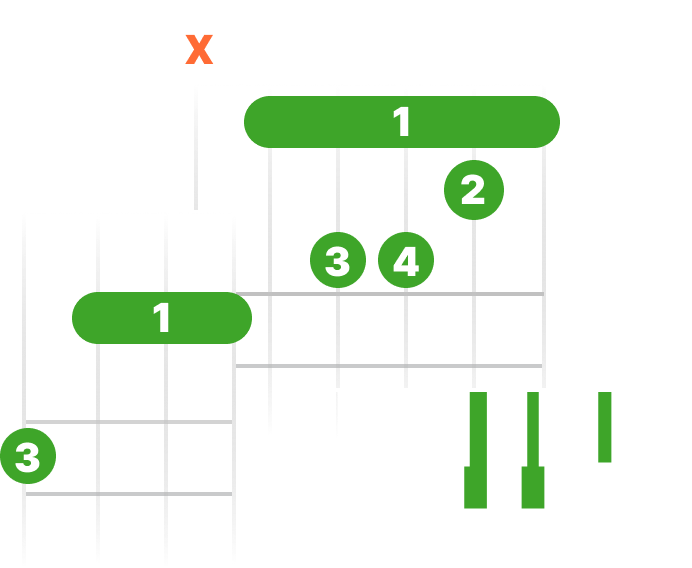
See live chord diagrams for guitar, ukulele, and piano. Follow the changes as the song plays and move through new sections with less friction.
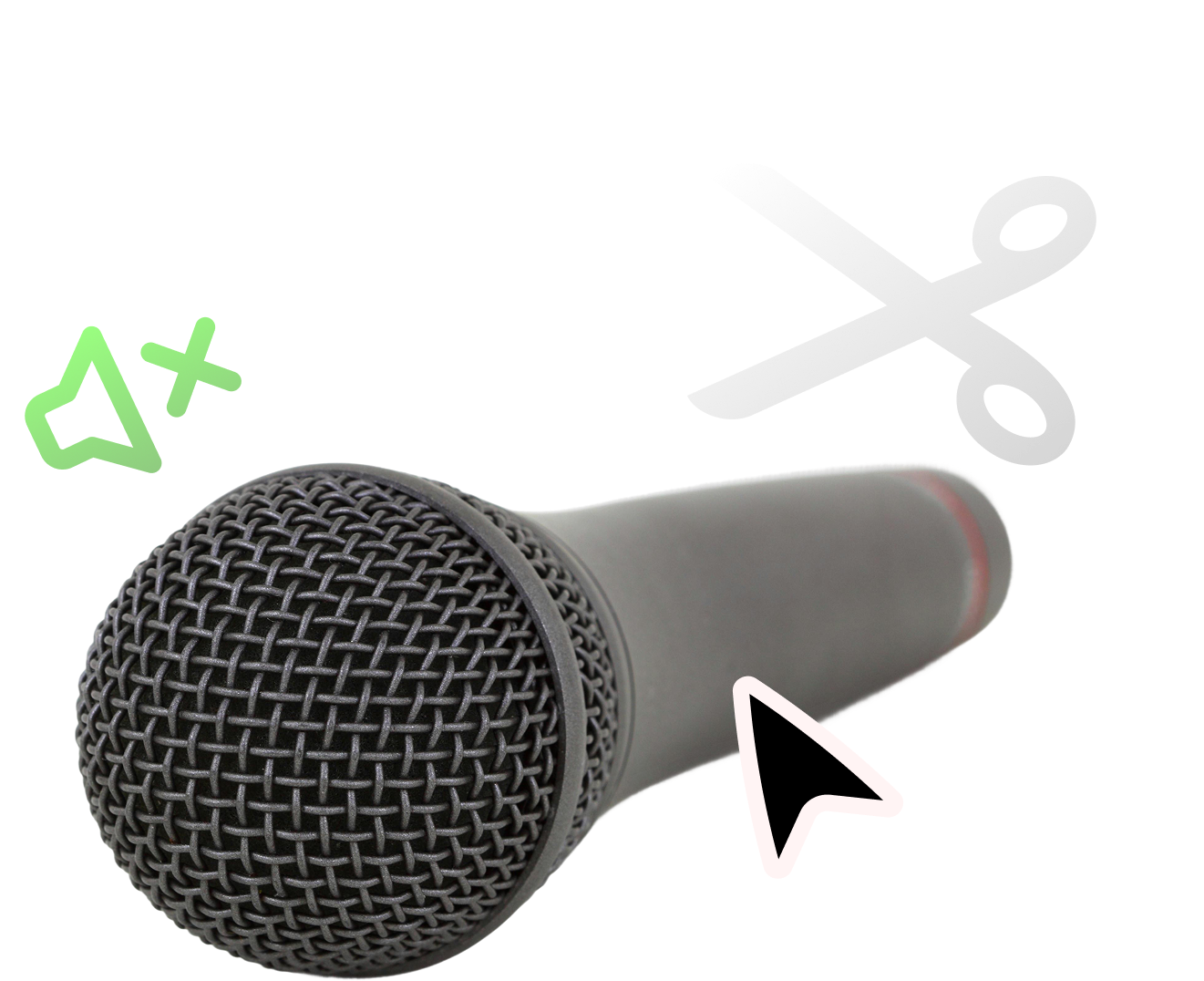
Separate the vocal stem from the rest of the song so you get a clean instrumental to sing over.
Solo the vocal for study, then mute it and sing with the instrumental.
Shift the pitch to match your instrument, tuning, or vocal range. Keep the same song structure while making the track fit your setup.

Remove the lead vocal and keep the original drums, bass, keys, guitars, and production around your voice.
Solo the vocal stem to learn entrances, breaths, harmonies, and timing before switching to the backing track.
Create vocal backing tracks for rehearsal, social videos, auditions, or live practice sessions.
Upload a song, separate the stems, then mute the vocal stem to keep the instrumental of the song.
Yes. You can solo the vocal stem to study phrasing, timing, and arrangement details.
It is similar. A vocal backing track keeps the instrumental of the original song so you can sing or rehearse over it.
You can make a backing track from any song for free. Upload a track, remove the lead vocal, and sing over the original instrumental instead of buying from a fixed catalog.
Yes. Solo the vocal stem to learn entrances, breaths, runs, and timing, then mute it and sing over the instrumental.
Yes. Pitch shift the vocal backing track into a comfortable range without changing the arrangement.
Yes. Drop the tempo to learn a melody or harmony, then bring the track back up for a full run-through.
Yes. Repeat a hard line or harmony section on a loop until it is locked in before you perform it.